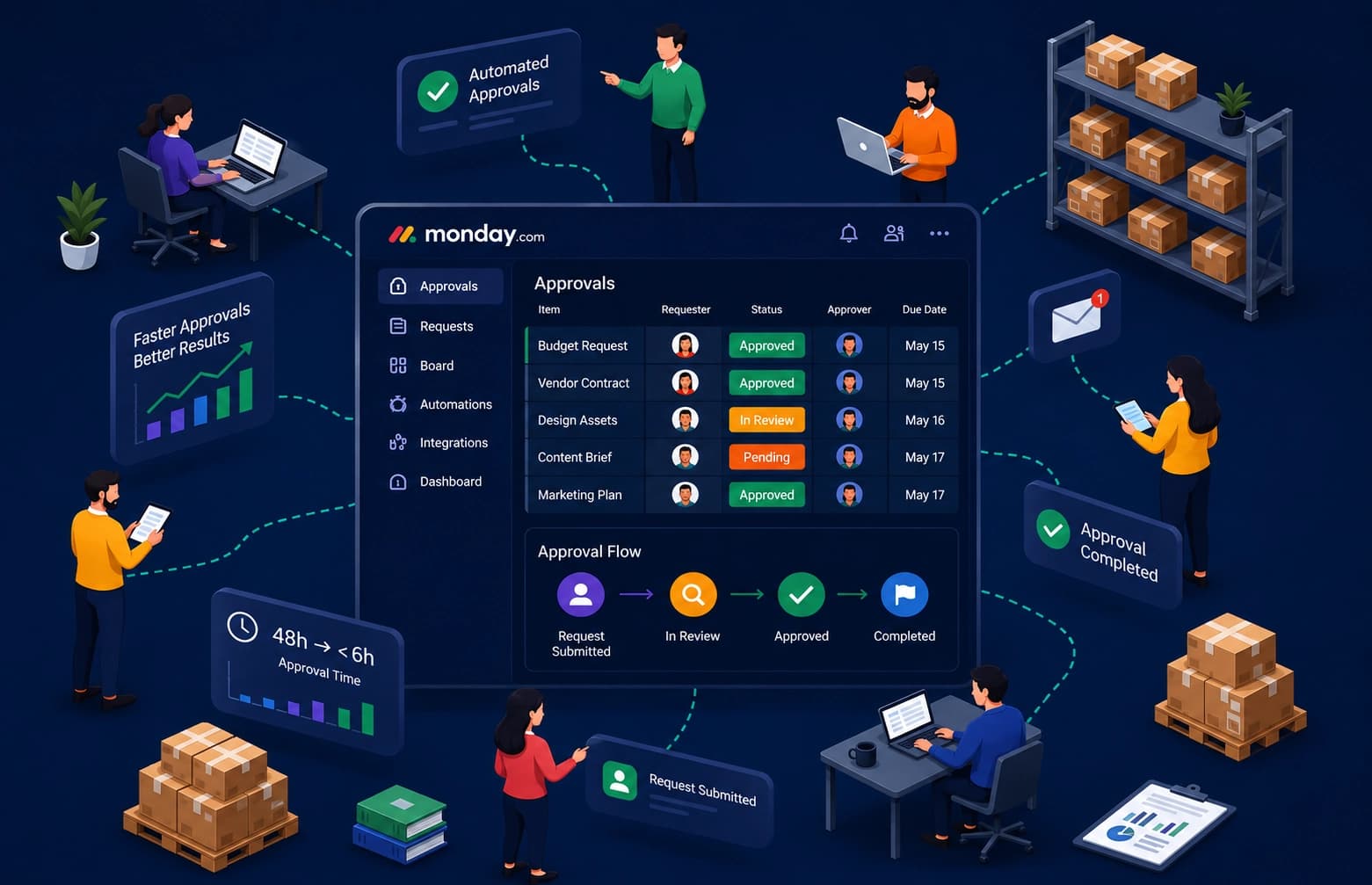
AUTOMATING PURCHASE ORDER PROCESSING FROM FILEMAKER PRO TO ORACLE NETSUITE
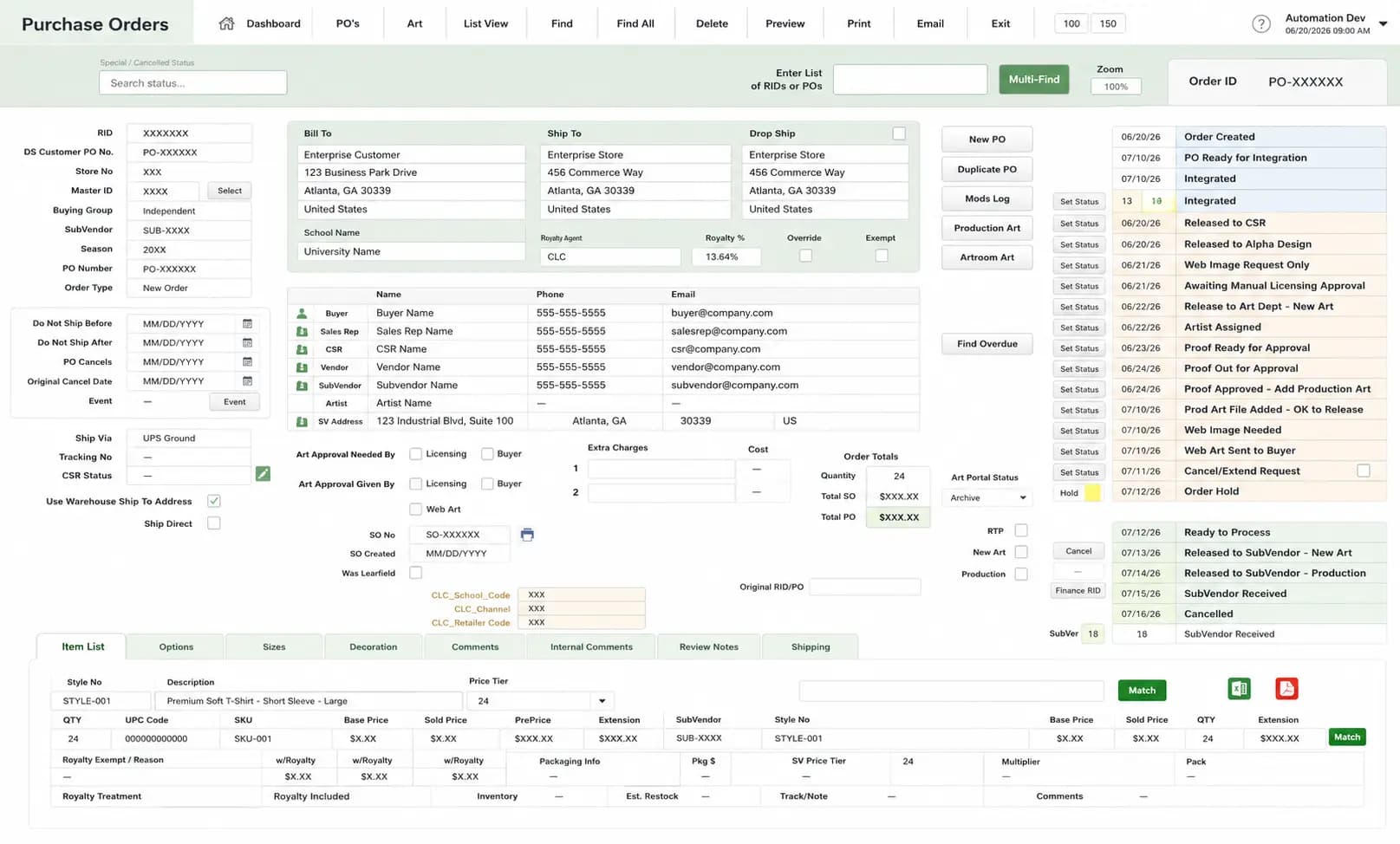
A merchandise manufacturer manually recreated Sales Orders in Oracle NetSuite from Purchase Orders generated in FileMaker Pro. As order volumes grew, the process became slow, repetitive, and difficult to scale.
01 / Source
FileMaker Pro
Generates Raw XML/CSV PO Files
02 / Secure Buffer
Dropbox Monitor
Instant Automated Directory Drops
03 / Engine
Core API Handler
Strict Mapping & Schema Validation
04 / Target ERP
Oracle NetSuite ERP
Direct Sales Order Ingestion & Fees
05 / Audit
Daily Summary Report
Digest Reports & Isolated Alerts
Exports transaction payloads directly from legacy manufacturing databases without human intervention or data leakage.
CLIENT OVERVIEW
Our client is a manufacturer that produces and fulfills branded merchandise for a vendor. The vendor manages customer orders in FileMaker Pro.
When the vendor confirms an order, FileMaker Pro generates a Purchase Order (PO). The manufacturer must then create a corresponding Sales Order in Oracle NetSuite before production can begin.
As daily order volumes increased, manually creating Sales Orders became time-consuming and difficult to scale.

THE CHALLENGE
The operations team received hundreds of Purchase Orders each day. Staff reviewed each file and re-entered the order details into NetSuite. This process had four main problems.
Operational Delays
With hundreds of Purchase Orders arriving each day, the process created several operational issues.
Risk of Errors
Re-entering order information increased the risk of errors.
Administrative Effort
Processing large batches of orders required significant administrative effort.
Limited Visibility
Teams had limited visibility into failed imports and their causes.
THE SOLUTION
We built an API integration that creates NetSuite Sales Orders from Purchase Orders generated in FileMaker Pro.
PO Generation
FileMaker Pro generates Purchase Order files.
Dropbox Folder
The vendor uploads the files to a designated Dropbox folder.
Integration Audit
The integration detects new files and validates the order data.
SO in NetSuite
Valid Purchase Orders are used to create Sales Orders in NetSuite.
Failure Reporting
Orders that fail validation are logged for review.
Batch Continuance
Processing continues for the remaining files.
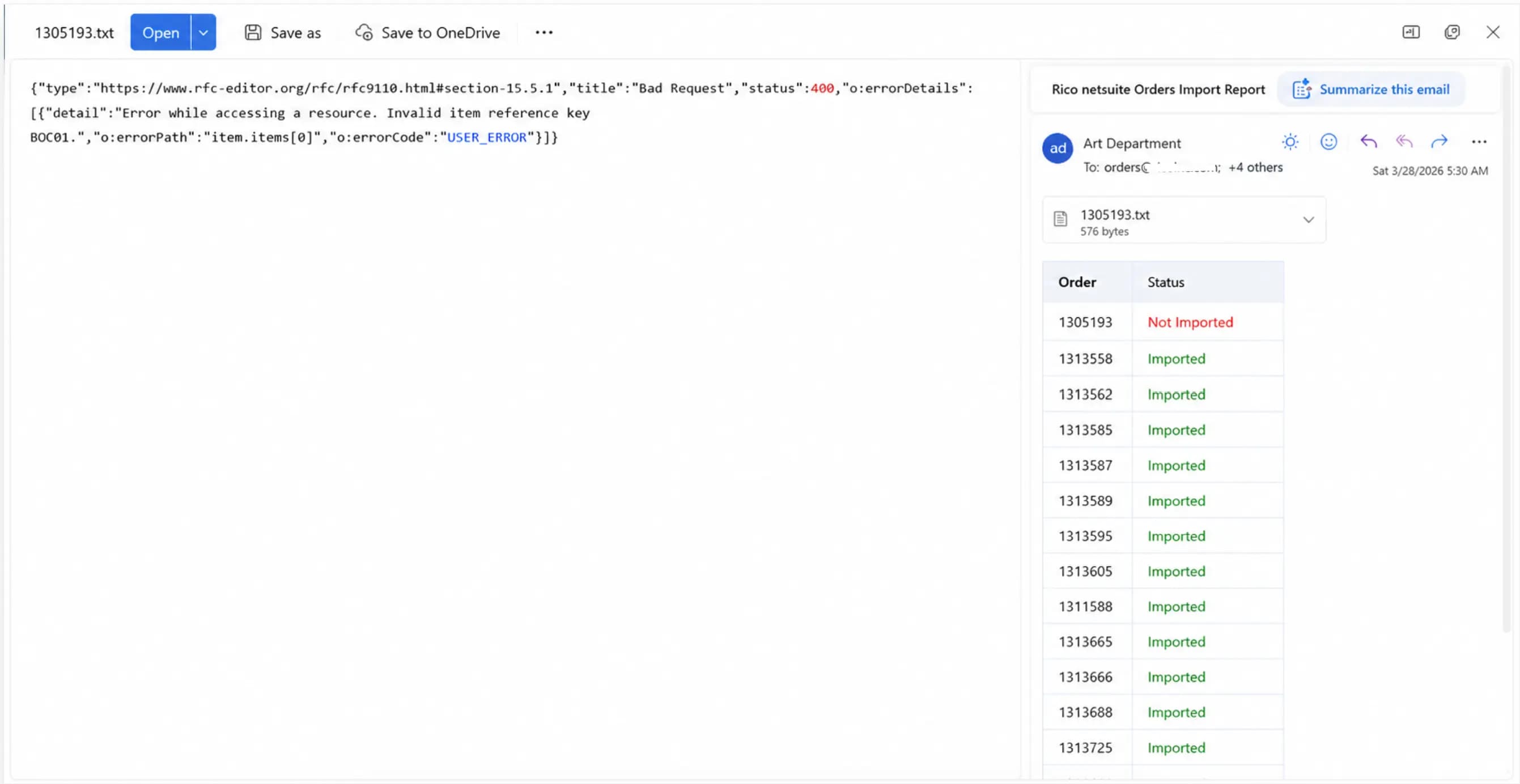
Daily Import Reporting
Every import generates an automated report that is emailed to the operations team. The report provides complete visibility into the day's processing by showing:
- Every Purchase Order received.
- Whether each order was imported successfully.
- Orders that failed to import.
- A brief error message explaining the reason for each failure.
For example, if an item reference is missing in Oracle NetSuite, the report identifies the affected Purchase Order and includes the validation message. Other remaining valid orders continue processing without interruption.
This allows the operations team to focus only on the exceptions instead of reviewing every transaction manually.
PURCHASE ORDER TO SALES ORDER PROCESS FLOW
Through API
Software
Source System
FileMaker Pro contains PO (Purchase Order) details.
 ALPHA DEZINEMiddleware
Integration Layer
Receives PO data from FileMaker Pro via API securely.
per Requirement
Data Processing
- Validate PO Data
- Transform & Normalize
- Apply Business Rules
- Map Fields to NetSuite
- Handle Errors & Exceptions
- Logging & Monitoring
NetSuite REST API
Receives the processed data from Middleware and prepares to create Sales Order.
Created
NetSuite
Sales Order is created successfully in NetSuite.
1. FileMaker Pro
Initiates the request and sends PO data via API.
2. Alpha Middleware
Receives the data securely from FileMaker Pro.
3. Process Data
Data is validated, transformed, mapped and processed as per business rules.
4. NetSuite API
Processed data is sent to NetSuite via API to create Sales Order.
5. Create Sales Order
Sales Order is created in NetSuite and confirmation is returned.
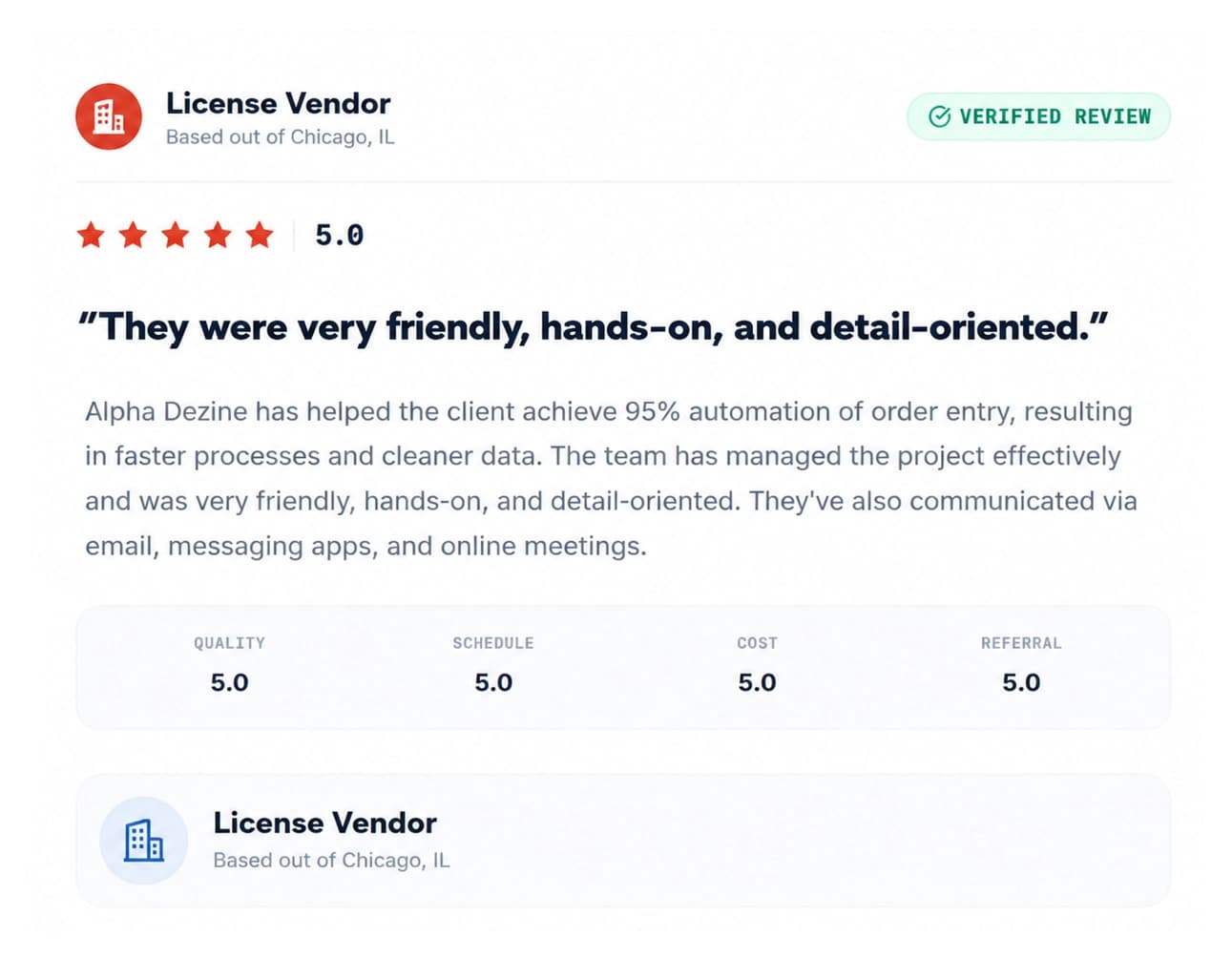
Oh, and we got a 5 Star Review for this project!
FROM MANUAL TO AUTOMATED
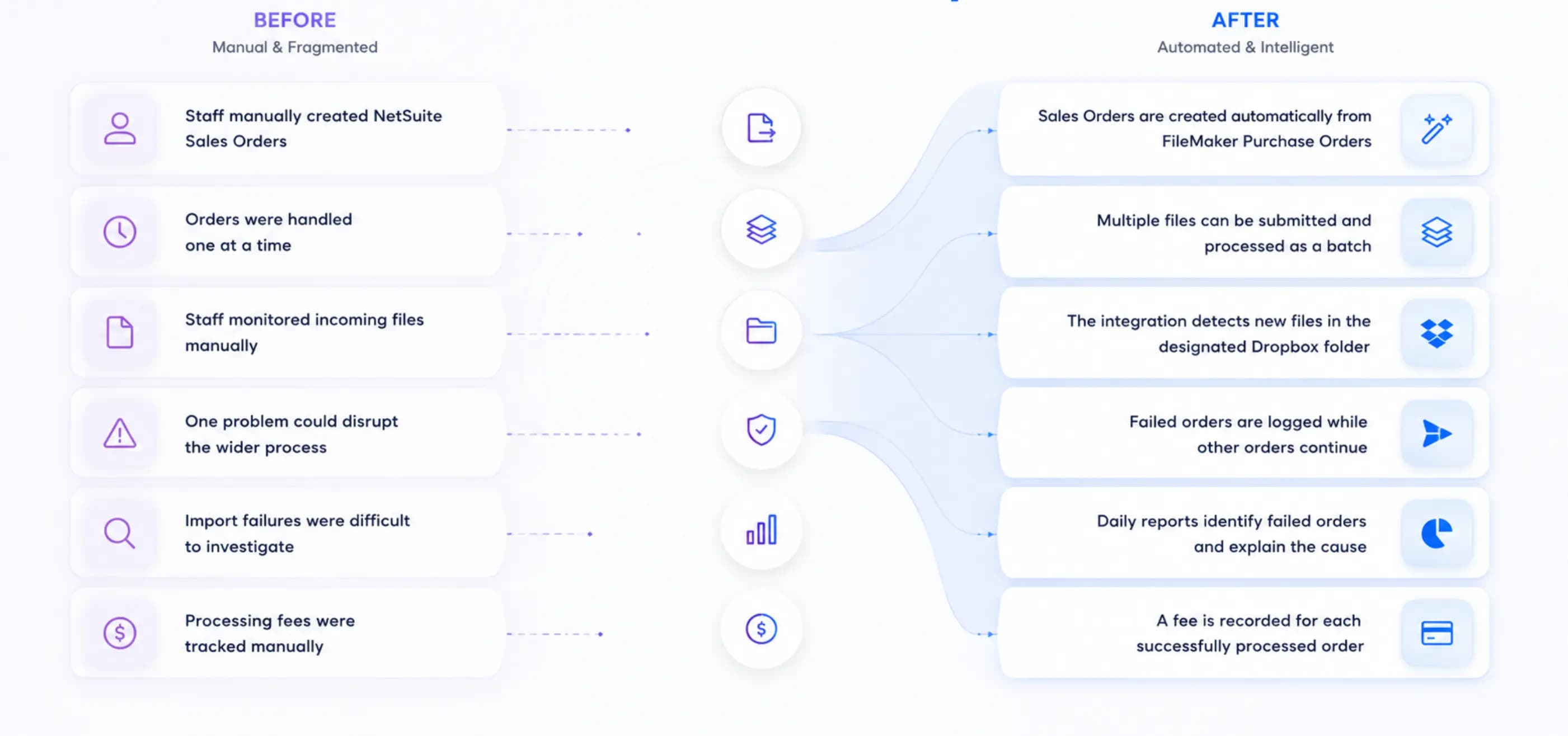
Manual Processes Don't Scale. Smart Workflows Do.
If repetitive tasks are slowing your operations, we'll help you automate the workflow so your team can focus on growing the business instead of managing it.